



Fast broadband only feels fast where the signal reaches. In plenty of homes the router sits in the hallway or the living room, and by the time the Wi-Fi climbs the stairs or reaches the kitchen extension it has slowed to a crawl. Video calls freeze in the spare room, the loft office drops out and the garden is a dead zone. Whole home Wi-Fi broadband fixes that by pairing a full fibre line with a modern router and mesh boosters that carry the signal into every corner.
The connection coming into the house is rarely the problem. What gets in the way is the building itself:
A stronger router helps with the last point. The others need the signal to be carried further, which is exactly what a mesh setup does.
Every full fibre plan in this range comes with a Wi-Fi 7 router, the seventh generation of Wi-Fi, built to handle high speeds and more connected devices. There are two versions:
| Router | Included with | Wi-Fi bands | Useful extras |
|---|---|---|---|
| Wi-Fi 7 Hub | You 200, You 1000 and You 2000 | 2.4 GHz for range, 5 GHz for speed | Manage access and set time limits by device, change passwords, guest networks |
| Wi-Fi 7 Hub Pro | You 8000 | 2.4 GHz, 5 GHz and an extra 6 GHz lane to ease congestion | The same controls, built for the fastest plan |
For many homes the router alone reaches further than the old one ever did. Where it does not, a Wi-Fi 7 mesh booster picks up the signal and passes it on.
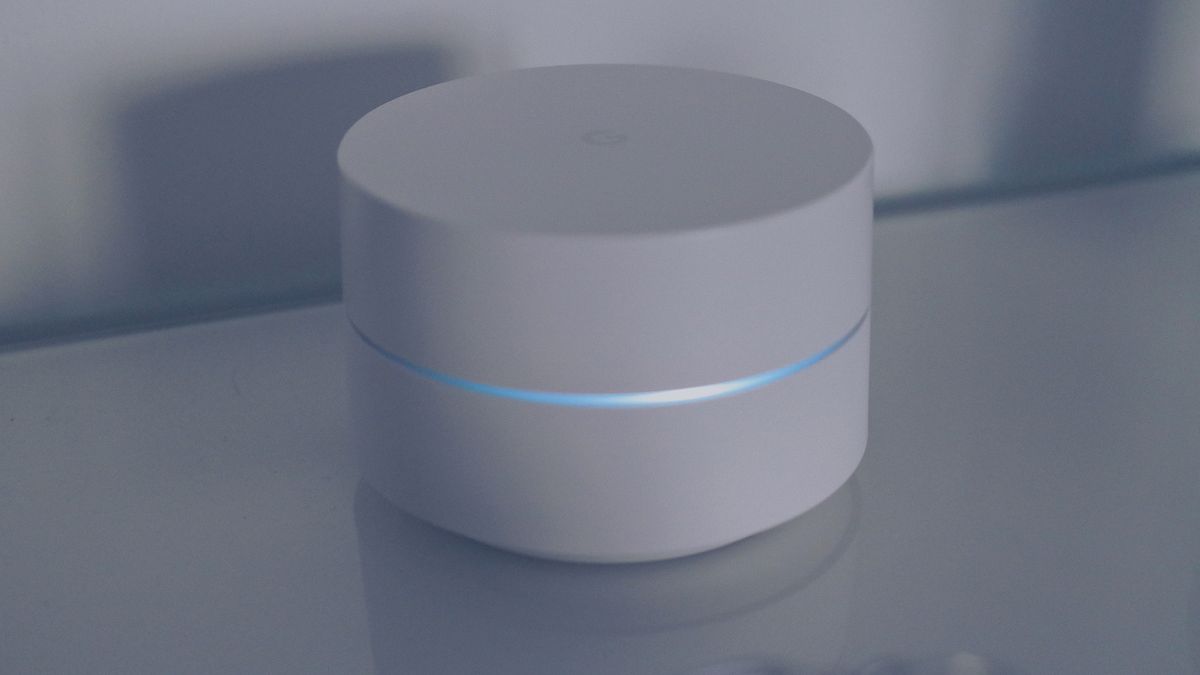
A mesh setup means adding one or more boosters around the home alongside the router. Each one extends the Wi-Fi and keeps the speed up, and you can move from floor to floor without the connection dropping. Boosters are paid monthly and can be added when you order or at any time later.
The Wi-Fi 7 booster for You 200, You 1000 and You 2000. It costs £5 a month per booster, with no promotional price.
The booster built for You 8000 and its Hub Pro. It costs £15 a month, with no promotional price.
For most households, You 1000 is the sweet spot. It averages 900 Mbps for both uploads and downloads on a wired connection, lists at £29.99 and is currently £24.00 a month on a 24-month fixed price, with no in-contract price rises. Smaller homes can start with You 200, which lists at £24.99 and is currently £22.00 a month. Promotional prices are shown until 31 October 2026.
If two or more of these sound familiar, the line is fine and the Wi-Fi just needs help reaching further.
Place each booster halfway between the router and the weak spot, out in the open rather than inside a cupboard, so it has a strong signal to pass on.
A full fibre line is only half the story if the Wi-Fi cannot reach the rooms you use most. Start with a Wi-Fi 7 router, see where the signal fades, and fill the gaps with a booster or two. The result is a strong signal in the loft office as well as the living room, and a mesh Wi-Fi broadband setup that grows with the home.
Get full fibre with a Wi-Fi 7 hub and add mesh boosters whenever you need them with YouFibre. For more ideas to make home and travel easier, visit OrganizeTrip.